

Find a game and sign up
Where to look for games near you, and what actually happens when you register.
Works today
Open play, ladders, club sessions and one-off games all live in the same place. We put them behind one screen so you don't have to know which is which before you can look.
Signing up
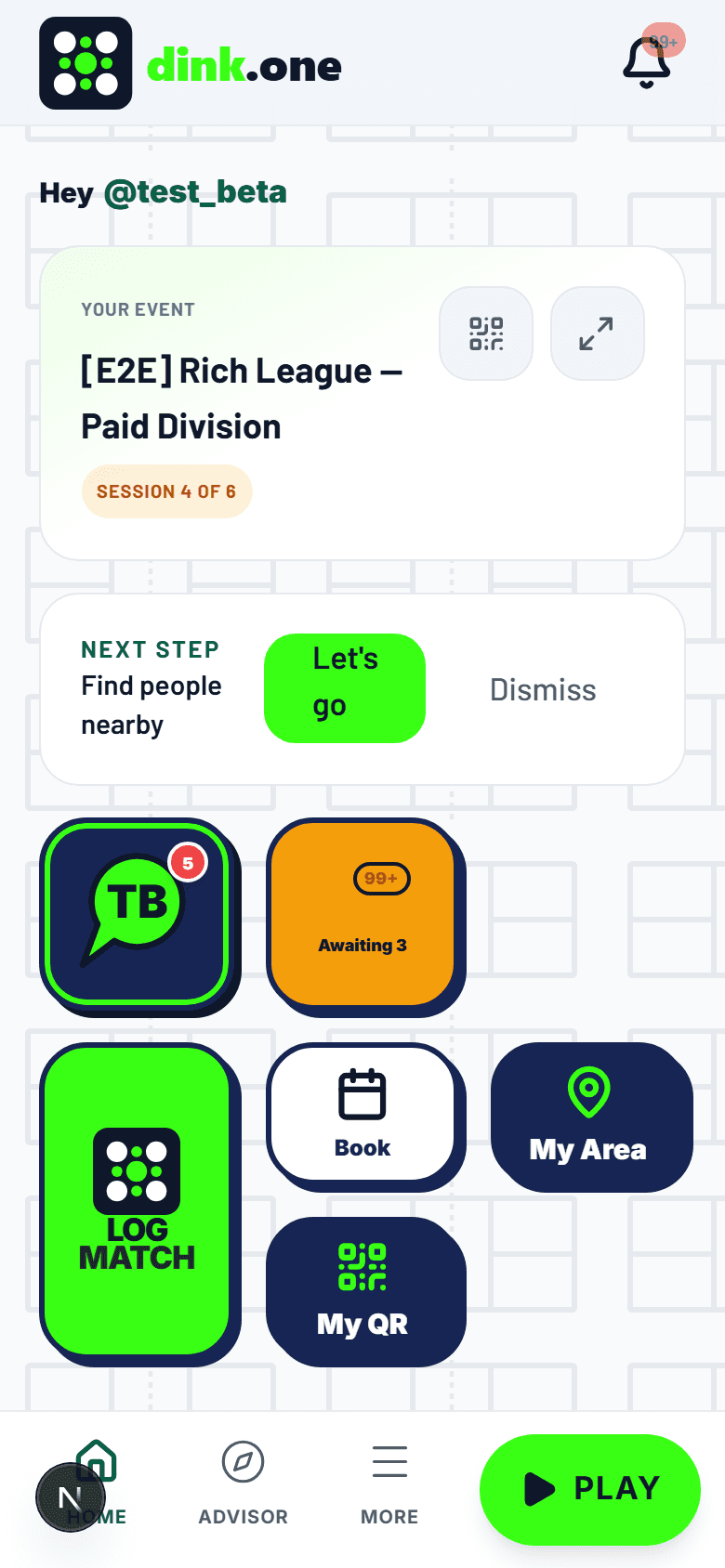
- Tap PLAY in the bottom bar. That's the hub for everything happening near you.
- Filter by when you're free and how far you'll travel. We start from your home area.
- Check the skill band before you commit. It's there so you don't drive forty minutes to a game two levels off yours.
- Tap Register. Free games confirm straight away; paid ones send you through checkout first.
What to expect
- Some games sell a playing spot and a spectator ticket separately. Pick the one you actually want.
- If it's full, join the waitlist. When someone drops out the spot offers to the next person in line on its own.
- If you belong to the club running it, your member discount applies at checkout. You never have to ask for it.
Common questions
There's nothing near me. Now what?
Widen the distance filter first. If it's still empty, we probably haven't reached your area yet — tell us where you play and we'll say so plainly rather than leave you refreshing an empty map.
Can I cancel after I register?
Yes. Open the game and cancel from there. If you paid, the refund follows the organizer policy shown to you before you paid.
Can I bring someone who isn't signed up?
Ask the organizer first. Rosters and court counts are set in advance, so an extra person can quietly push someone else out.